Step-by-step guide on Fedora 15 installation - Part 3
Step-by-step guide on Fedora 15 installation - Part 3
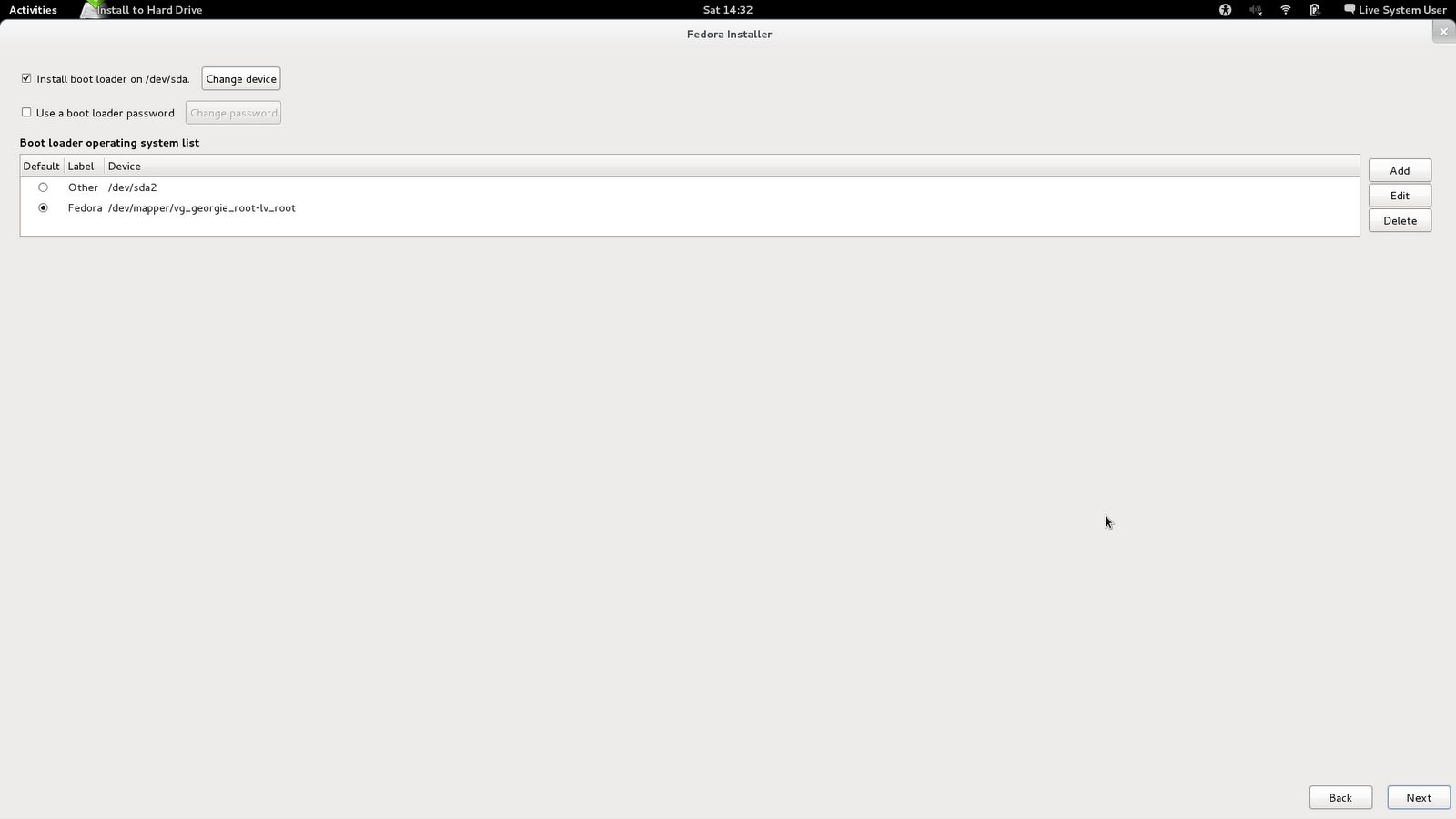
Step 7. Choose default boot OS
- After your hard disk has been repartitioned and reformatted, the next step is to choose which part of the partition the system will boot by default. The device
/dev/sdarefers to my hard drive. - Since I have a multiboot system (Fedora and Windows) I can see two options, of course I choose Fedora as the default.
- If you notice, Fedora boot maps to the physical volume
vg_georgie_rootand logical volumelv_root. This is correct and these are the partitions we created previously. Usually, you wouldn’t change anything here unless you want to add boot kernel options, or you have multiple hard disks, etc. So just accept the default and click Next.
Step 8. Write the image to disk
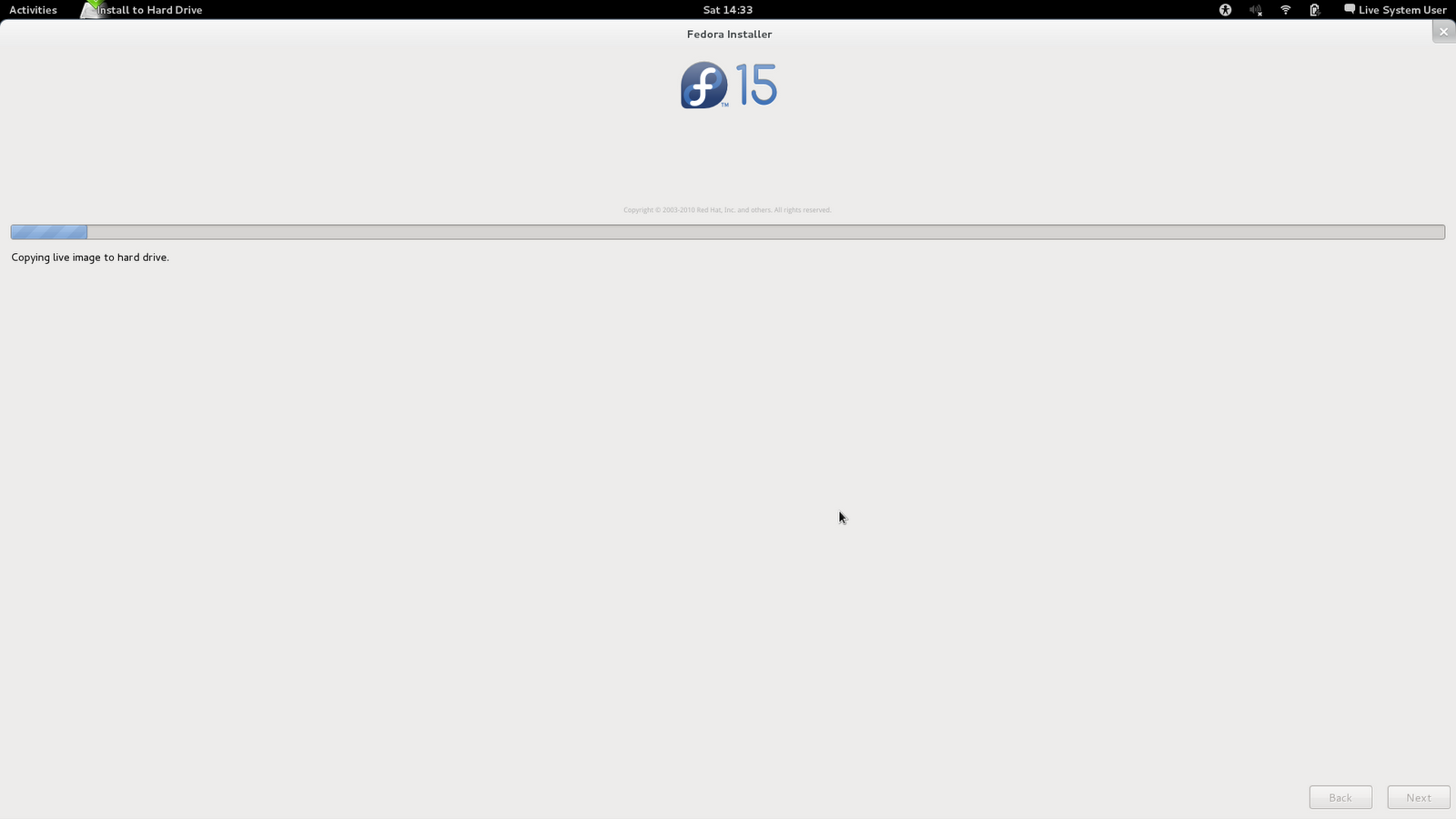
- This is the part where the main installation happens. Default packages are installed here and it will take some time.
Once done, click Next.
Step 9. Installation complete!
- Remove your live USB.
- Reboot.
There are still a few things to configure on the first startup. You are not completely done yet.
This post is licensed under CC BY 4.0 by the author.
Comments powered by Disqus.